


Baby learning games for kids
4.6250.00 Reviews
App Specs
- Version
- 2.92
- Updated On
- License
- Free
- Downloads
- 5,000,000+
- Developer
- Bimi Boo Kids Learning Games for Toddlers FZ-LLC
- Categories
- Educational
- Platform
- Android
Screenshots
 Analysis by AppCompare
For a toddler, a few minutes of cheerful, hands-on play can be a welcome change of pace, especially when a grown-up is nearby to turn taps into conversation. Baby learning games for kids is an educational game from Bimi Boo Kids Learning Games for Toddlers FZ-LLC, aimed at children under five. I see it as a small collection of early-learning activities rather than a replacement for books, toys, or time spent exploring together.
A simple routine that works best with an adult nearby
My preferred way to use the game is to choose one activity, sit beside the child, and give them a little time to explore before offering help. That makes the screen a shared activity instead of a way to hand over a device and step away. A toddler might tap a shape, hear a color named, and then look around the room for something in that color. Those short exchanges are where a simple game can become more meaningful.
On a busy morning, for example, I could see a caregiver using one quick round while waiting for breakfast to cool. The useful habit is to decide on a stopping point before opening the game: one activity, then a book or a physical toy. This keeps play predictable and avoids relying on a screen whenever a child is restless. It also gives the adult a chance to notice which ideas the child enjoys or finds confusing.
What to check before handing over the device
The game is free to start, with in-app purchases listed at $5.99 per item. I would look through the available options with an adult before letting a young child browse independently, and make sure the device’s purchase controls are set in a way that suits the household. That small bit of preparation matters more than trying to sort out a purchase prompt in the middle of a toddler’s play session.
The age rating is Everyone, and the game is intended for very young learners. That does not mean every activity will suit every child equally: attention span, language development, and familiarity with touchscreens vary widely at this age. I would treat the suggested audience as a starting point, then follow the child’s cues. If they are getting frustrated or simply tapping without interest, it is a good time to close the app rather than push through another round.
It is also sensible to check the device before play: set a comfortable volume, make sure the screen is clean, and keep the device on a stable surface or in an adult’s hands. These are ordinary practical steps, but they help prevent accidental exits and make it easier for little fingers to interact. A grown-up can keep the session focused without turning it into a lesson that feels like work.
Exploring the App's Universe
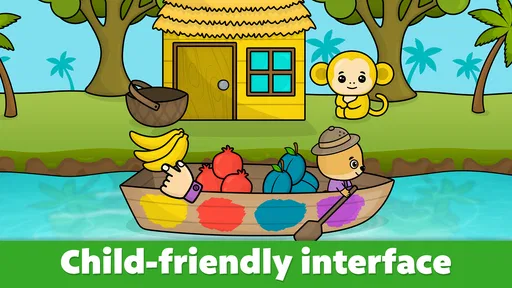
When I first opened the game, I was greeted by a vibrant splash of colors and shapes. The interface is designed to be super intuitive, which is great because, let’s be honest, toddlers aren't exactly known for their patience. Everything is laid out in a way that even the tiniest fingers can navigate.
Worth Reading Before You Choose

EA SPORTS FC Mobile 26 Is a Bigger Football Game, but It Takes Time

Flipboard Shows What News Apps Must Do Beyond the Feed

Switching to Android Auto Means Rethinking Your Driving Routine

Google Calendar Makes a Crowded Week Easier to Manage

Ludo King Makes the Most of the Minutes Between Plans

Baby Panda World Brings Quick Play to Modern Phones, but Its Game Library Feels Busy
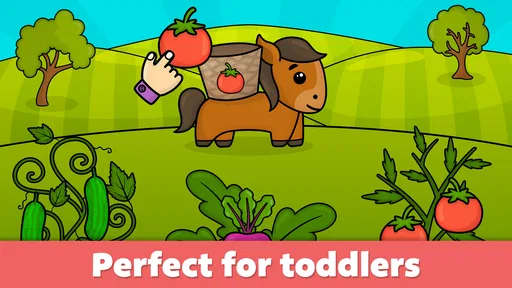
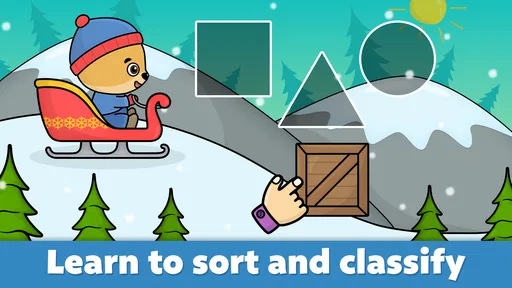
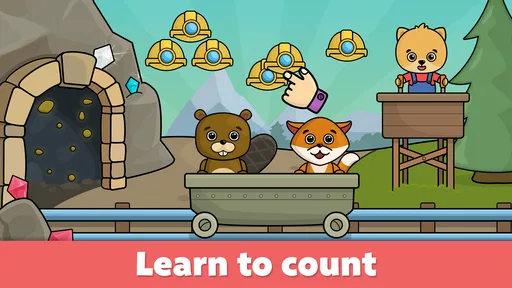
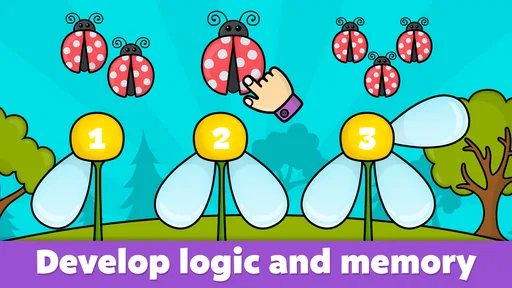
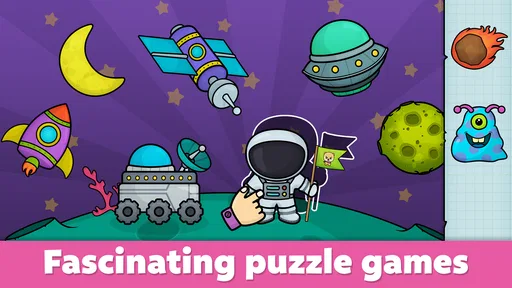
The app is divided into various mini-games, each targeting different learning areas. From colors and shapes to numbers and basic vocabulary, it's like having a mini preschool in your pocket. The visuals are eye-catching without being overwhelming, and the gentle background music is surprisingly calming.
Educational value: learning through play
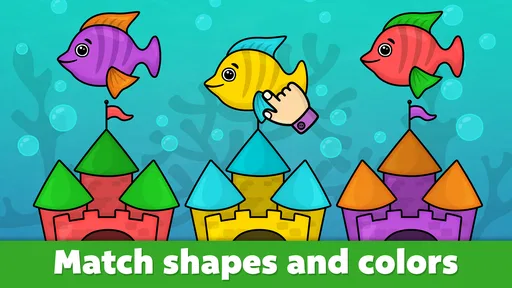
What really stood out to me is the app’s ability to blend learning with play seamlessly. In one game, kids are encouraged to match shapes, which not only helps with recognition but also boosts their problem-solving skills. Another favorite of mine is the color identification game, where kids tap on different objects to hear their colors spoken aloud. It's a great way to build vocabulary in a fun, interactive manner.
The app also includes some adorable animal-themed activities. These games are not just about identifying animals but also understanding their sounds and habitats. It’s like a little zoology lesson wrapped in a playful package.
Getting more from short play sessions
A useful pattern with a bundle of mini-games is to let the child choose between a small number of activities rather than opening the game with no plan. If a child has been matching shapes, I might shift to naming familiar objects together, then stop while they are still enjoying it. That simple alternation helps keep the adult involved and gives the child room to connect what appears on the screen with things they can touch in everyday life.
Repetition can be helpful, but I would not assume that a child has mastered a color or shape just because they tap the right answer once. Try asking the same idea in a different way away from the device: point to a red cup, or find a circle on a toy. If the child does not respond, that is not a failure; it is a cue to make the activity easier or come back another day. The app is most useful as a prompt for interaction, not as a test.
For families sharing one device, a repeatable routine can reduce friction. An adult can open the game, pick an activity, and keep the device in a comfortable position rather than asking a toddler to navigate every step alone. That is not a special shortcut built into the game; it is a practical way to make a touch-based activity more manageable for a young child.
Where it fits among early-learning options
Compared with a picture book, this game offers tapping and spoken feedback, which can hold the attention of a child who enjoys interactive play. Compared with free drawing or building toys, it is more guided: the screen presents a task, while blocks and crayons leave the child to invent their own. I would rotate between these options rather than choose one as the complete solution. The game is handy when a caregiver wants a short, structured activity, while physical play is better for movement, open-ended imagination, and using hands in different ways.
It may suit caregivers looking for a gentle introduction to educational screen play, especially when a child is curious about colors, shapes, numbers, or animals. It is less suitable if you want a long-form curriculum, detailed progress tracking, or an activity that keeps a child occupied without adult attention. I would also choose a different option for a child who becomes upset by touchscreens or prefers physical materials; there is no need to make a digital game fit a child who is not enjoying it.
Why parents will love it
As a parent, you’re probably wondering if this app is worth your time and investment. The answer, in my experience, is a resounding yes. The app doesn’t just keep kids occupied; it genuinely contributes to their learning journey. Plus, the interface is designed to ensure minimal screen time frustration, which is a win in any parent’s book.
It's also worth mentioning that the app is ad-free. There's nothing worse than having your child's learning interrupted by a random advertisement. With this game, you can rest easy knowing that your child’s focus will remain uninterrupted.
Limits worth keeping in mind
The mini-game format is convenient, but it can also encourage rapid switching if a child is allowed to move from one activity to another without a pause. I would resist treating variety as a reason to extend screen time. A short session with conversation is likely to be more useful than a long stretch of tapping, and the adult should be ready to stop if attention fades.
Another trade-off is that screen-based recognition is not the same as using a skill in the real world. A child may learn to tap a pictured shape but still need help spotting that shape on a plate or a window. That is why I would pair activities with ordinary objects and keep expectations gentle. The game can introduce or reinforce an idea; it cannot replace hands-on practice or a caregiver’s response to a child’s questions.
The game has a 4.6 average from around 22,000 ratings, and it has been installed over five million times. Those figures suggest that many families have tried it, but they cannot tell me whether it will match a particular child’s interests. I would use the free starting experience to judge the fit, keep the in-app purchase cost in mind, and avoid buying anything until an adult has checked what the option offers.
Final thoughts
In a world where screens are often viewed as the enemy, this app offers a refreshing perspective. It’s about using technology to enhance, rather than hinder, your child's early development. The variety of games ensures that children remain engaged and constantly learning without even realizing it.
So, if you’re on the hunt for an educational app that’s as entertaining as it is informative, Baby learning games for kids might just be your go-to. It’s like having an educational playdate on demand. Give it a try, and watch as your little one explores the colorful world of learning right at their fingertips.
My practical verdict
The game was released on October 6, 2015, and its current version is 2.92; it requires Android 7.0 or later. I would check compatibility on the device you plan to use before setting up a routine, particularly if it is an older phone or tablet. For a free, approachable collection of toddler activities, that is a straightforward starting point, while the optional purchases mean caregivers should stay in control of any buying decisions.
My recommendation is for adults who want a short, guided way to introduce early concepts and are willing to participate rather than treat the screen as a babysitter. Keep sessions brief, connect what appears in a mini-game to objects around the child, and let their interest decide when to stop. If you want a structured long-term teaching program or something designed for independent extended play, I would look elsewhere. Used in small doses alongside books, conversation, and physical play, this colorful collection can earn a useful place in a family’s routine.
Pros
- Engaging and colorful graphics.
- Simple and intuitive interface.
- Wide range of educational games.
- Enhances cognitive skills effectively.
- Safe and ad-free environment.
Cons
- Limited free content access.
- Requires regular updates.
- Some games need in-app purchases.
- Not available offline.
- May not suit older kids.
FAQs for Baby learning games for kids
What age group is this app suitable for?
The Baby Learning Games app is designed primarily for children aged 2 to 5 years old. It focuses on early childhood development with engaging, age-appropriate activities that help young minds grow. Parents can rest assured that the content is both educational and entertaining, making it suitable for preschoolers.
Are there any in-app purchases or ads?
Yes, the app does include optional in-app purchases and ads. While the basic version offers plenty of free content, additional features and ad-free experiences can be unlocked through purchases. Parental controls are recommended to manage purchases and ensure a seamless experience for your child.
What types of learning activities are included?
The app offers a wide range of activities focusing on different skills such as numbers, letters, colors, and shapes. There are also games designed to enhance fine motor skills, memory, and problem-solving abilities. Each activity is crafted to be fun and interactive, keeping young children engaged and learning.
Is an internet connection required to play the games?
While an internet connection is needed for initial download and any in-app purchases, most of the games can be played offline. This makes it convenient for parents looking to entertain their children during travel or in areas with limited internet access, ensuring uninterrupted playtime.
How does the app ensure child safety and privacy?
The app adheres to strict privacy policies and complies with child safety regulations. It collects minimal personal data and includes a parental gate to prevent children from accessing settings or making unauthorized purchases. Parents can review the privacy policy for detailed information on data handling.


